LandlordOS
 HOAOS
 PropPay
 PraxiOS
 Engage
 Books
 Field Service
 HCM
 ATS
 FormRelay
 AppOS
Accountants spend their days telling clients to chase receivables, and then let their own run for months. The work was done in March, the invoice went out in May, and in August someone finally sends an awkward email. The fix is rarely a tougher collections policy. It’s a handful of plain habits that shorten the time between finishing work and money arriving.
Where does a firm’s cash get stuck?
In two places. The first is work in progress (WIP): time that has been worked but not yet invoiced. The second is accounts receivable: invoices sent but not yet paid. Firms often call the two together "lock-up", and it’s worth looking at both, because an hour of work that waits six weeks to be billed and six weeks to be paid has cost you three months of cash either way.
The first delay is entirely under your control, which makes it the best place to start.
How can you invoice sooner?
- Invoice on delivery, not at month end. When the return is filed or the monthly close goes out, the invoice goes with it. A client is most willing to pay on the day they receive the work.
- Bill recurring work on a schedule. Monthly bookkeeping and payroll shouldn’t wait for anyone to remember. Set a fixed day and send every recurring invoice then.
- Use progress billing on long engagements. For an audit, a cleanup project or a complex return, bill a portion at the start and at agreed milestones.
- Review unbilled time every week. List time not yet on an invoice, oldest first, and ask of each entry: why hasn’t this gone out?
Old WIP is also where write-offs come from. The longer time sits unbilled, the harder it is to explain on an invoice, and the lower your realization rate ends up.
What payment terms should the engagement letter set?
Collections start before the work does. Your engagement letter should say what the fee is or how it’s calculated, when invoices are issued, when they’re due, how the client can pay, and what happens if they don’t, including your right to pause work. Clients who agreed to the terms in writing rarely argue with them later.
Consider shorter terms than you use today. "Due on receipt" or 15 days is common for tax and bookkeeping work, and a client who intends to pay in 30 days will usually pay in 15 if that’s what the invoice says. For new clients, and for anyone who has paid late before, a retainer or deposit before work begins is reasonable and removes the problem entirely.
How do you make an invoice easy to pay?
Every extra step between opening the invoice and paying it adds days. Put a payment link on the invoice itself, and accept both card and bank (ACH) payments: cards for convenience, ACH for larger invoices where a percentage fee would hurt. Send the invoice to the person who actually pays the bills, who is often not your day-to-day contact.
The invoice should also be easy to approve. Describe the work in the client’s words, show the period it covers, and keep one engagement to one invoice where you can. An invoice the client doesn’t understand goes to the bottom of the pile.
What follow-up schedule works?
Pick a schedule, write it down and apply it to every client, so that reminders are a system and not a personal judgment each time. For example:
- The day after the due date: a short, friendly reminder with the invoice and the payment link.
- One and two weeks later: a second and third reminder.
- At 30 days past due: a phone call from the partner or manager who owns the relationship. Calls find the real reason: a lost email, a cash squeeze, a complaint about the fee.
- At 60 days: pause new work until the balance is cleared or a payment plan is agreed, as your engagement letter allows.
Automate the emails so they go out whether or not it’s a busy week. Then spend your personal attention on the calls.
How should you use the A/R aging report?
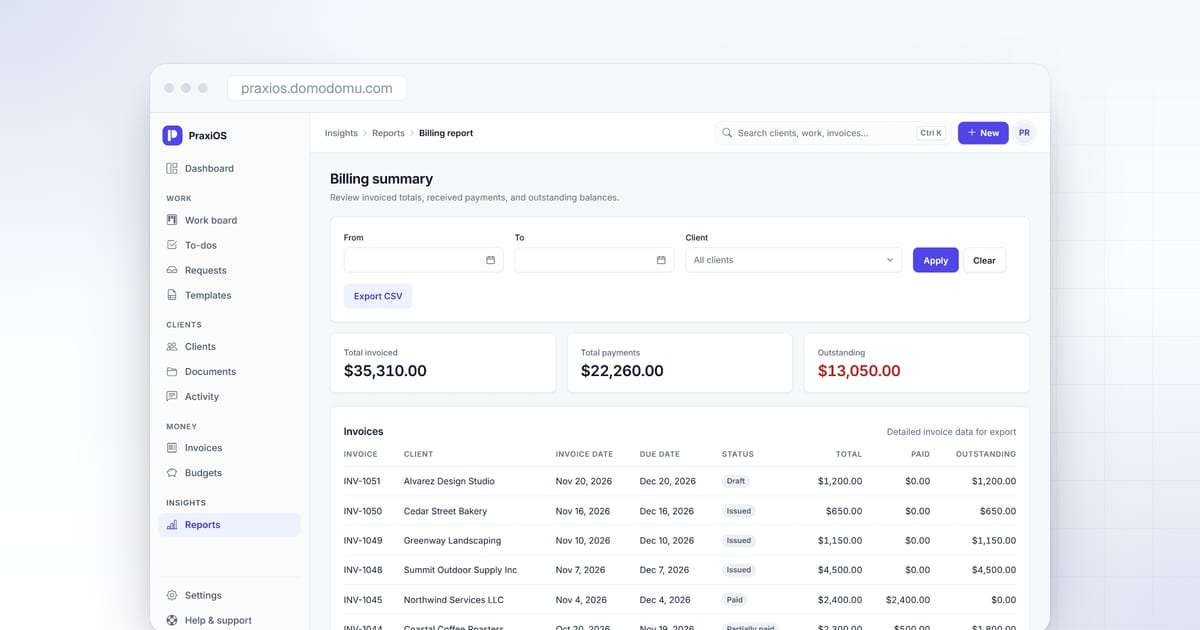
An A/R aging report groups unpaid invoices by how long they have been past due: current, 1–30, 31–60, 61–90 and over 90 days. Look at it on the same day every week. Two things matter more than the total: how much sits in the oldest buckets, because the chance of collecting falls as invoices age, and which clients appear again and again.
For repeat late payers, change the arrangement, not just the reminders: move them to a retainer, to billing in advance, or to a monthly fixed fee. If a client is consistently slow and unprofitable, the aging report is also your evidence for raising the fee or ending the engagement.
How PraxiOS helps firms get paid
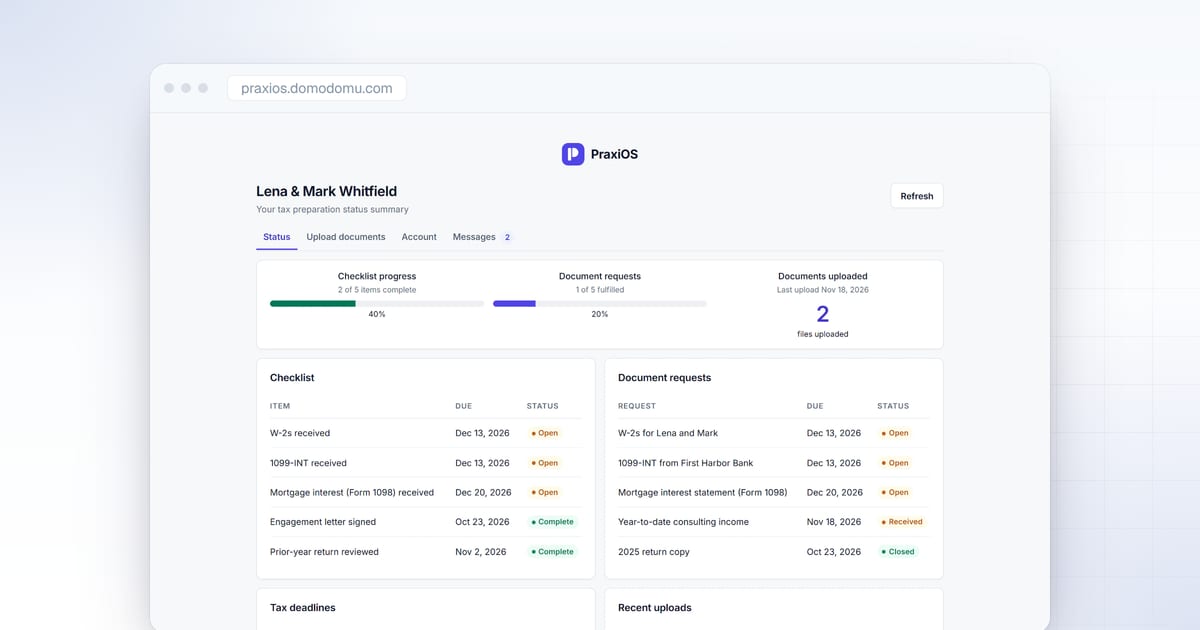
PraxiOS billing is included on every plan. Invoices are emailed with a pay link, and clients pay by card, Link or bank (ACH, once you turn it on in Stripe) through your firm’s own Stripe account; PraxiOS records those payments against the invoice automatically, and you record checks and transfers by hand. The due date defaults to 30 days and can be changed on each invoice.
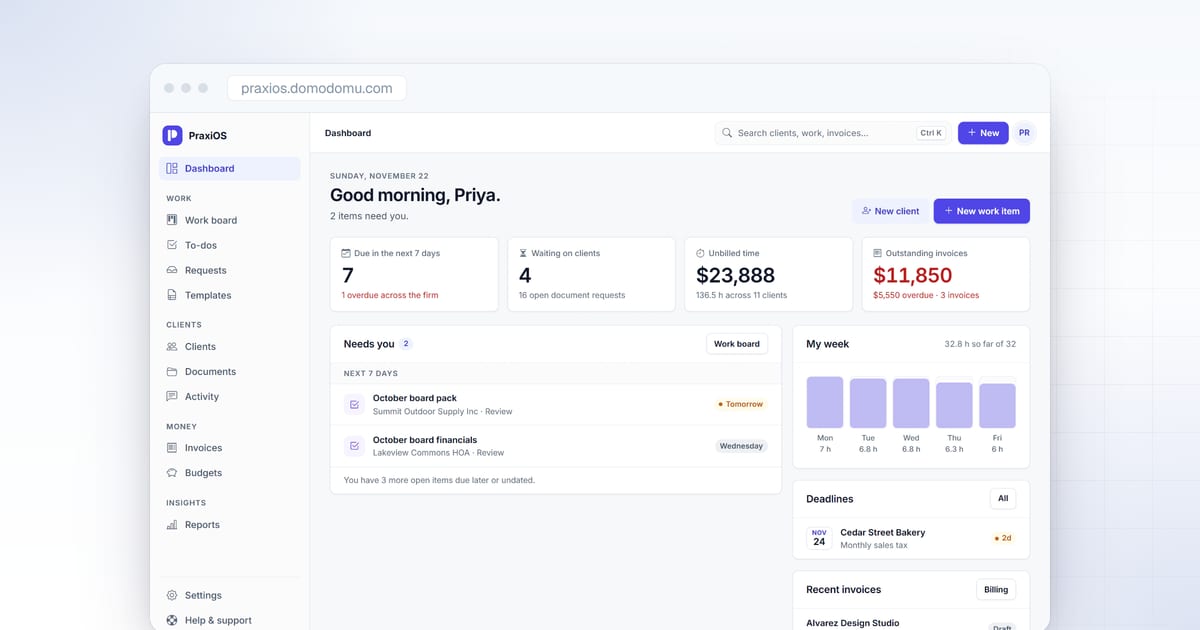
Turn on payment reminders in Firm Settings and PraxiOS emails the client about an unpaid invoice the day after its due date, then every 7 days, up to 3 reminders, stopping once it’s paid. Recurring services can be marked to invoice automatically each period. The A/R aging report shows balances in the buckets above with CSV export, and the unbilled time report lists logged hours not yet on an invoice, with the age of the oldest entry.
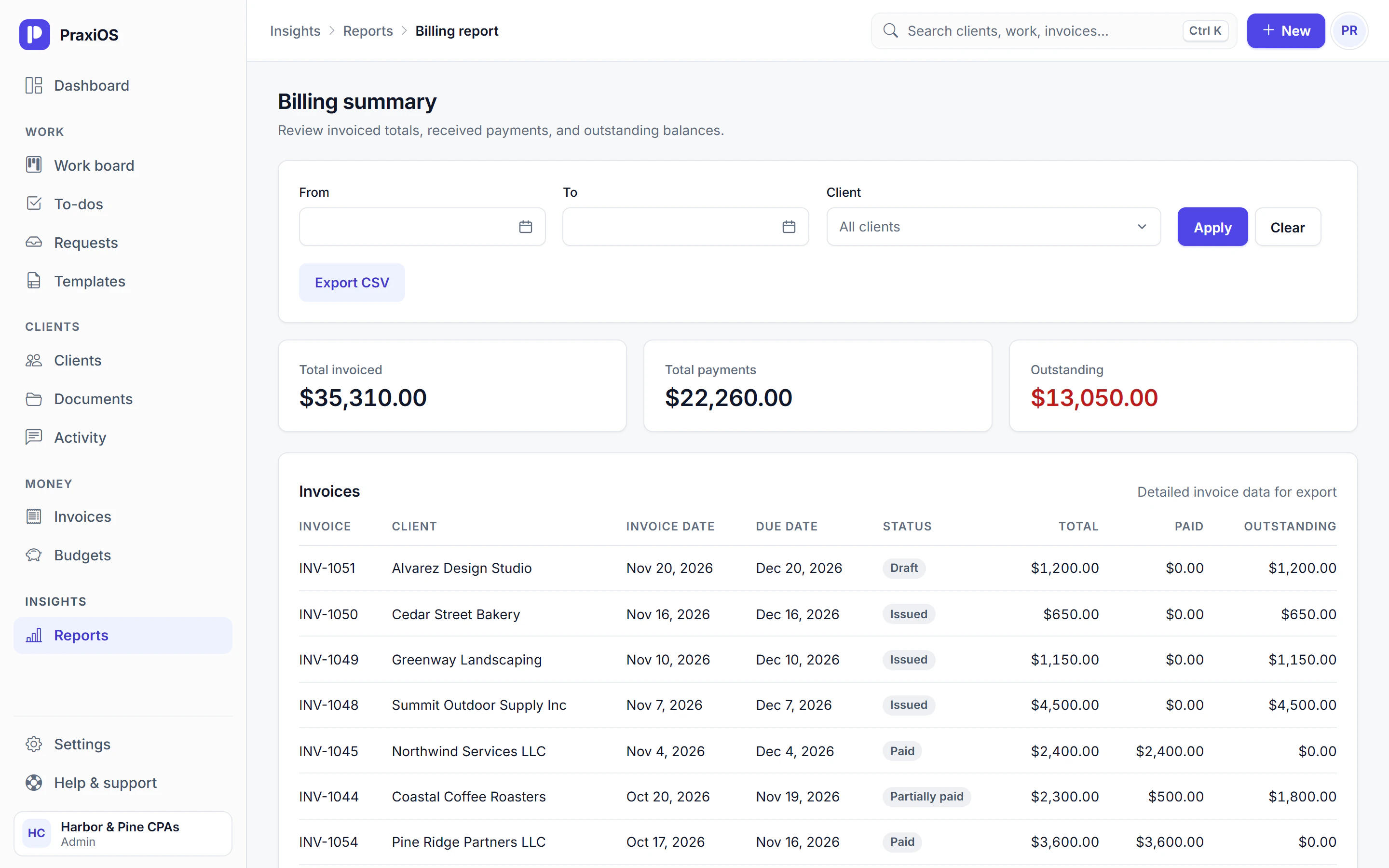
What it doesn’t do: PraxiOS doesn’t save clients’ cards for autopay, and it has no QuickBooks or Xero sync, so you export billing and A/R to CSV. On online payments, Stripe charges its own processing fees and PraxiOS adds 0.2% on cards and 0.1% on bank payments, capped at $5. Plans start at $299 a month for up to 5 users with a 14-day free trial; see PraxiOS pricing.