 Engage
 LandlordOS
 HOAOS
 PropPay
 PraxiOS
 Books
 Field Service
 HCM
 ATS
 FormRelay
 AppOS
In advance
Recurring fixed fees bill at the start of each period; one-time fees on the start date.
Engage Billing
Who’s paid, and who’s late?
The card or bank account is saved when the client signs, and Engage bills on schedule from then on: fixed fees in advance, hourly and per-unit work in arrears, milestones as you mark them reached. Clients pay by credit card or US bank account into your firm’s own Stripe account, which you set up inside Engage. Failed payments are retried, reminders go out by email and text, and every payout is matched to the payments in it.
14 days free, no card needed · From $49/mo
Demo data
Key facts
Invoices
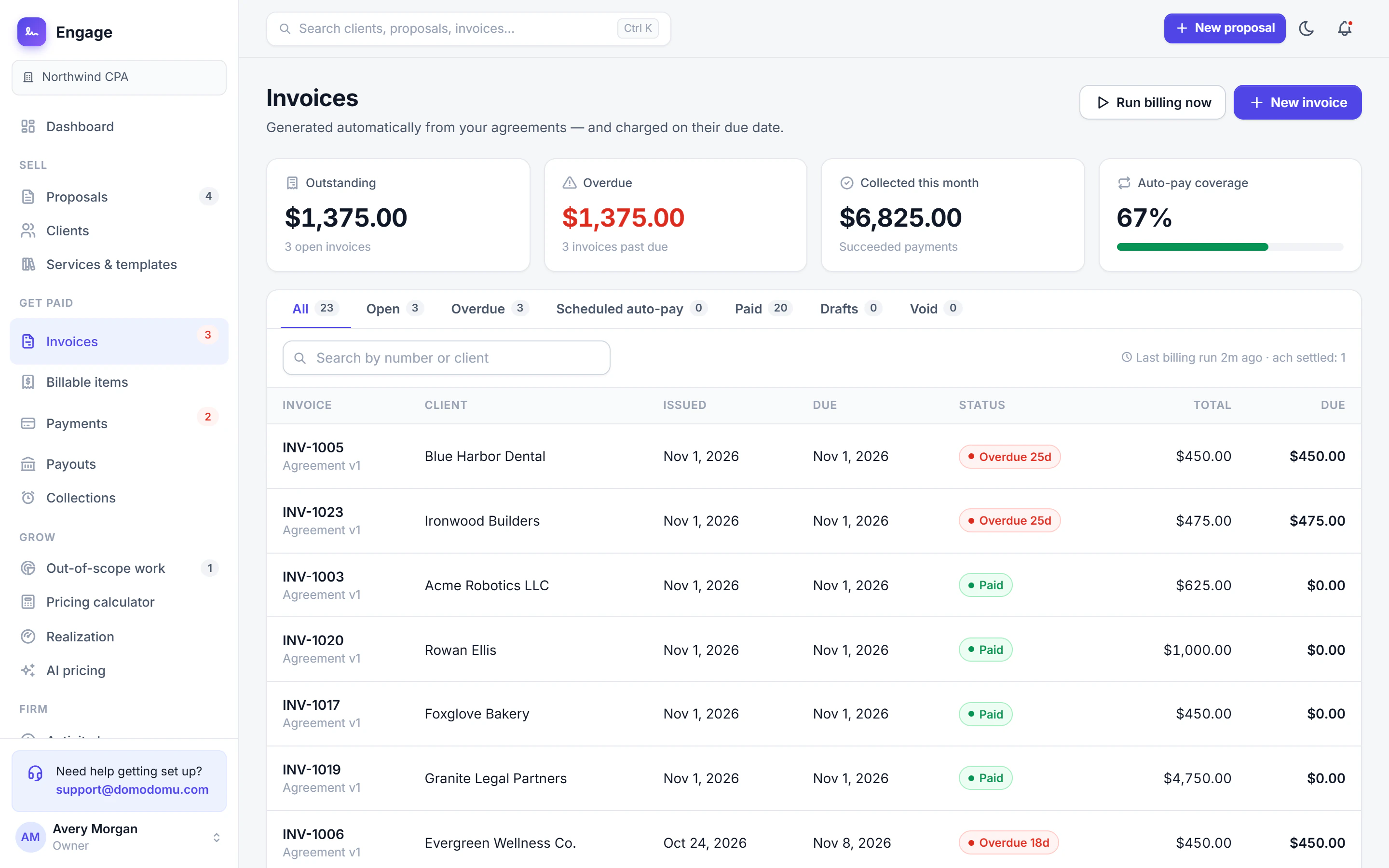
Engage generates invoices from the signed agreement, and each invoice names the agreement version it bills and is checked against it. You can also run billing now, add a manual invoice, charge a client straight away, or record a check or transfer by hand.
Recurring fixed fees bill at the start of each period; one-time fees on the start date.
From the billable items you add: hours, usage or one-off charges, on the next invoice or invoiced now.
Each stage bills when you mark it reached; on-completion fees when you mark the work done.
A PDF and a link the client can pay from, with your invoice prefix and numbering.
Failed payments
Cards are retried 1, 3 and 5 days later, at 10 a.m. your time on a business day, up to four attempts in all. A hard decline stops the retries and asks the client for a new card. Stripe’s card updater refreshes reissued cards automatically, and clients get a reminder 30 and 7 days before a saved card expires.
Bank payments that bounce for insufficient funds are presented up to two more times, the most the ACH rules allow. A closed or invalid account is marked failed, and a revoked authorization stops future debits.
Your firm is told about every failure in Engage and by email.
What Engage does and doesn’t do with payments
Straight answers
If one of these is a must-have for your firm, it's better you hear it here than in week two.
By credit card or US bank account (ACH), saved when they sign and charged on schedule. Payments go into your firm’s own Stripe account, which you set up inside Engage without needing a Stripe dashboard.
Stripe charges its own processing fees on your account, 2.9% + 30¢ per card and 0.8% capped at $5 per bank payment on its standard US pricing. Engage adds 0.2% on card payments and 0.1% on bank payments, capped at $5. Payments you record by hand carry no Engage fee.
Yes, as an optional credit card surcharge of up to 3%. Engage adds none in Connecticut, Massachusetts or Maine and caps it at 2% in Colorado; bank payments are always free to the client.
Yes. Cards are retried after 1, 3 and 5 days, and bank payments that bounce for insufficient funds are presented up to two more times. A hard decline asks the client for a new card, and your firm is told about every failure.
Yes, by email and text: by default 3 days before an invoice is due and 1, 3, 7 and 14 days after, then weekly, never before 8 a.m. your time. You can change every step.
Yes, in part (more than once) or in full. A full refund voids the invoice.
Keep exploring Engage
Get started
Connect your Stripe account in the trial and your first client can pay the day they sign.
Switching from Ignition or Anchor? We’ll move your clients for you, free.